
Email for Everyone, in Every Language
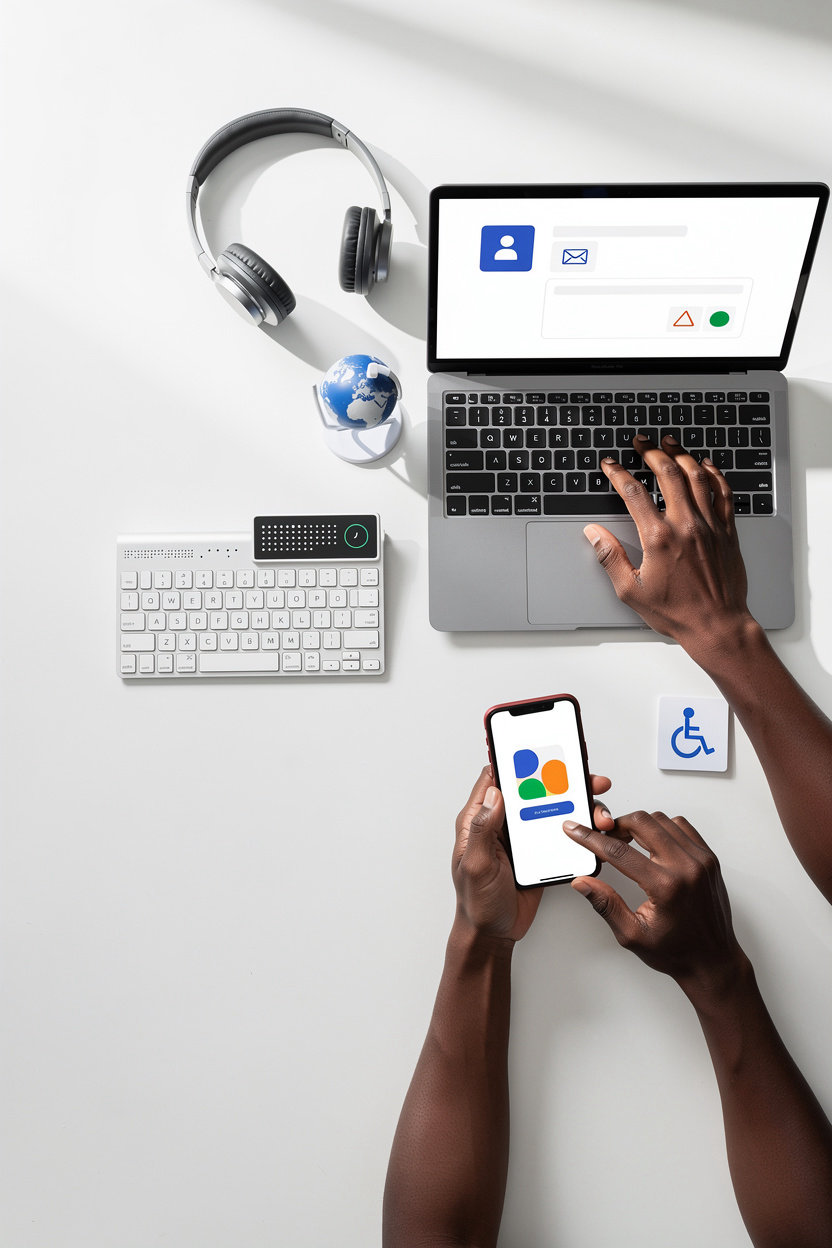
Gmail is available in 100+ languages and designed for people of all abilities. Whether you use a screen reader, keyboard navigation, or any other assistive technology, Gmail works for you. We believe email should be simple, secure, and accessible to everyone on Earth.
Global Reach
Fully supported in 100+ languages across every region and script system worldwide.
Inclusive Design
Built from the ground up with screen readers, keyboard navigation, and assistive technologies in mind.
Your Choice Matters
Customize your experience with accessibility settings, language preferences, and privacy controls that put you in charge.
100+ Languages
Gmail is available in over 100 languages, making secure email accessible to users around the world. Find your language below and easily switch language settings in Gmail whenever you need.
Start typing to filter languages by name or region.
Africa
Americas
Asia-Pacific
Europe
Middle East & Central Asia
How to Change Your Language
You can easily switch languages in Gmail at any time:
- Sign in to your Gmail account
- Click the Settings gear icon in the top right
- Select Settings from the dropdown menu
- Under the "General" tab, scroll to "Language"
- Choose your preferred language from the dropdown
- Scroll down and click Save Changes
Your Gmail interface will update instantly in your chosen language.
Accessibility Features Built In
Gmail is designed for everyone. Whether you use a screen reader, keyboard navigation, or any other assistive technology, Gmail works seamlessly for you.
Screen Reader Support
Full compatibility with NVDA, JAWS, and VoiceOver. Every feature, button, and email is fully accessible and clearly labeled for screen reader users.
Learn moreKeyboard Navigation
Complete keyboard shortcuts for all functions. Navigate, compose, send, and organize emails without touching a mouse—full control at your fingertips.
View shortcutsHigh Contrast Mode
Easier to read for people with low vision. Switch on high contrast in your display settings for sharper, more readable text and interface elements.
Enable nowVoice Typing
Compose emails using voice commands. Speak naturally, and Gmail transcribes your words into text—perfect for hands-free email composition.
Get startedAccessible Fonts
Choose from multiple font options, including dyslexia-friendly typefaces. Adjust font size and spacing to match your reading preferences.
Customize fontsMobile Accessibility
Full accessibility on iOS and Android. The Gmail app works with VoiceOver, TalkBack, and other assistive technologies on mobile devices.
Download appNeed Help with Accessibility?
Our Accessibility Help Center has detailed guides, tutorials, and troubleshooting for all accessibility features. We're also here to help—report accessibility issues directly and help us improve for everyone.
Tell Us How We Can Help
Your feedback directly shapes Gmail's accessibility and language support roadmap. Whether you have a suggestion, found an issue, or want to share your experience, we're listening.
We'll use this to respond to your feedback.
Note: This form requires backend processing. To share feedback about Gmail's accessibility and language support, please email us directly.
Quick Response
We acknowledge all feedback within 5 business days. Urgent accessibility issues are prioritized.
Your Impact Matters
User feedback directly shapes our accessibility roadmap. We track and prioritize requests from our community.
Your Privacy Protected
All feedback is handled confidentially. We never share your email or use it for marketing.
Other Ways to Reach Us
Email Support
Help Center
Browse accessibility guides and FAQs in your language